Administration (Governance)
Administration in locali is bundled into the Governance hub — the central place where operators and hub admins steer the hub: users and directories, content supply, platform settings, and the optional AI features.
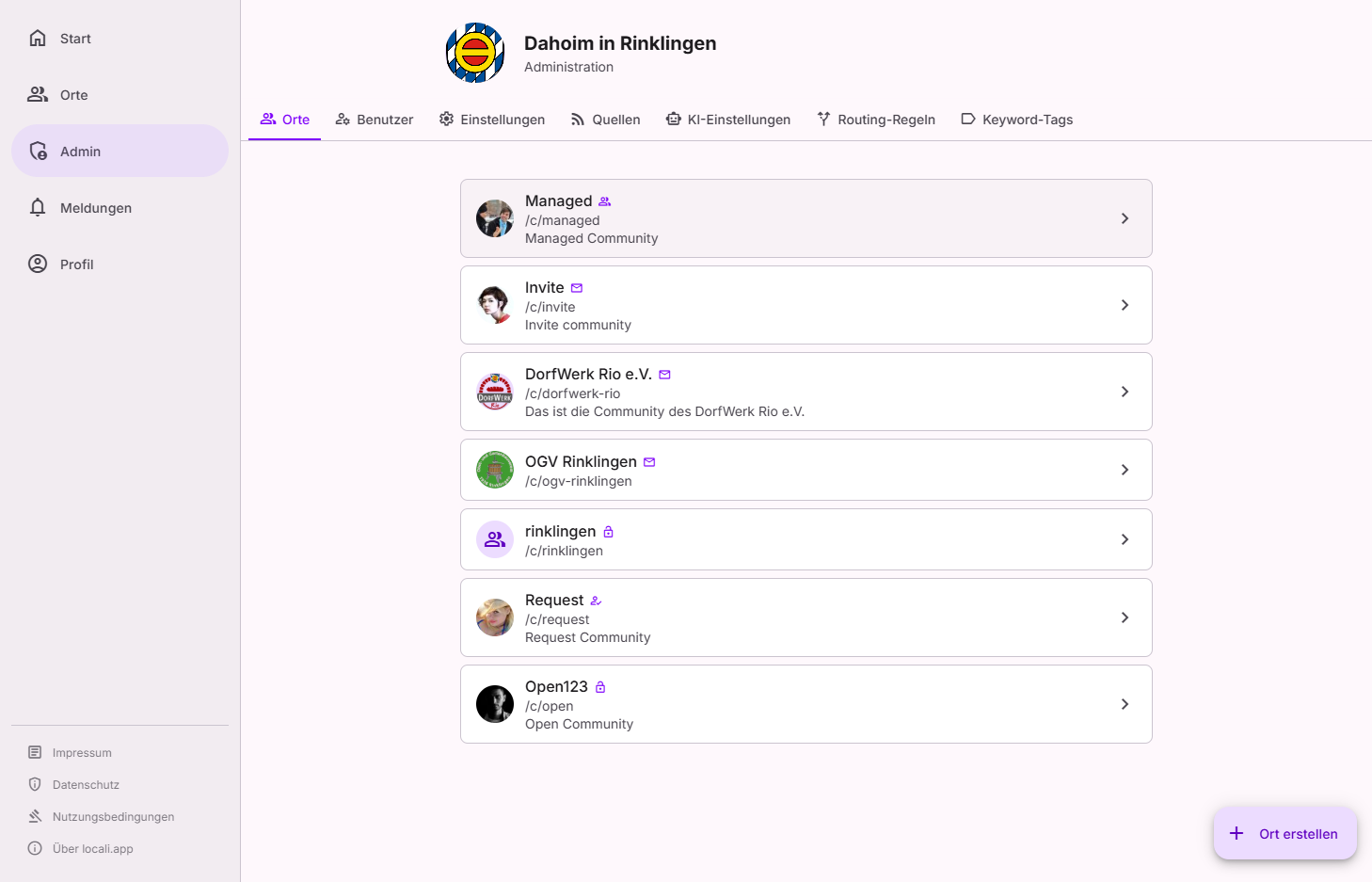
Access
The Governance hub lives under /governance. You reach it via the shield icon
in the top bar or via Profile → Administration.
Access is capability-based: you only see the areas you are actually authorised for —
empty groups are hidden. In practice these are hub admins and instance moderators
(see below). Former /admin/... addresses automatically redirect to
the new /governance/... pages.
Roles: hub admin and instance moderator
There are two hub-wide roles:
- Hub admin — may do everything the governance hub offers, including platform configuration and role assignment.
- Instance moderator — handles the day-to-day editorial work: reports, places, organisation and source review, individual routing corrections, basic user actions and the hub's invite codes. Platform configuration, space governance, role assignment and the audit record stay reserved for admins.
What exactly a role may do on a given surface is stated on each area's page. Roles are assigned by an admin under Users.
Need an admin?
As an instance moderator you will see admin-exclusive actions greyed out with the hint "Only an administrator can …". In that case, contact a person with the admin role on your hub — under Governance → Users, facet Admins, you can see who that is.
Attention markers
On individual rows (e.g. Sources, Organisations) a red marker with a number appears live when something is waiting for you — such as a submitted source or a claim request. The number is also part of the screen-reader label (accessibility: never colour alone).
The areas at a glance
The Governance hub is divided into four groups.
Users & directories
| Area | Description |
|---|---|
| Users | Search, verify, assign roles, and disable accounts |
| Spaces | View, create, archive/reactivate all spaces, assign owners |
| Space settings | Configure an individual space: identity, access, AI features, invite codes |
| Places | Approve proposed places, handle reports, maintain the public map |
| Organisations | Review proposals and submitted sources, assign owners |
Content supply
| Area | Description |
|---|---|
| Sources | Configure RSS/ICS feeds and other content sources |
| Routing rules | Rules that add further target spaces to content |
| Areas | Centrally managed geographic units (part of the routing vocabulary) |
| Keyword tags | Keywords that automatically tag content (part of the routing vocabulary) |
Note: Routing rules, Areas, and Keyword tags live together in the app under Governance → Routing (tabs Overview · Rules · Log · Vocabulary). In this documentation they are split onto their own pages for clarity.
Statistics
Surfaces that answer a question and have no switch — numbers that inform a decision taken outside the app. Diagnostics that sit next to a control (routing health, for example) deliberately stay with that control.
| Area | Description |
|---|---|
| Sharing: channels used | Which route organisations take when they share — by month, destination and organisation |
Platform
| Area | Description |
|---|---|
| Setup | Guided wizard through the hub essentials: imprint, privacy, terms, welcome texts, optional AI — with a badge for open required items |
| Hub settings | Hub identity, registration mode, invite codes, welcome text, default map view |
| Legal texts | Imprint, privacy policy, and terms of use |
AI (optional)
| Area | Description |
|---|---|
| Semantic search & recommendations | Embedding provider, indexing, semantic search, routing, personalisation |
| Ask locali & writing help | Language model (LLM), the "Ask locali" assistant, and writing aids |
| Knowledge gaps | Unanswered questions that reveal gaps in the content |
How-to guides
Concrete step-by-step recipes are in the how-to guides — such as "Assign a source to a space" or "Set up a new space from scratch".