Sources
Sources are external feeds or data sources from which locali automatically imports content and routes it to the appropriate spaces.
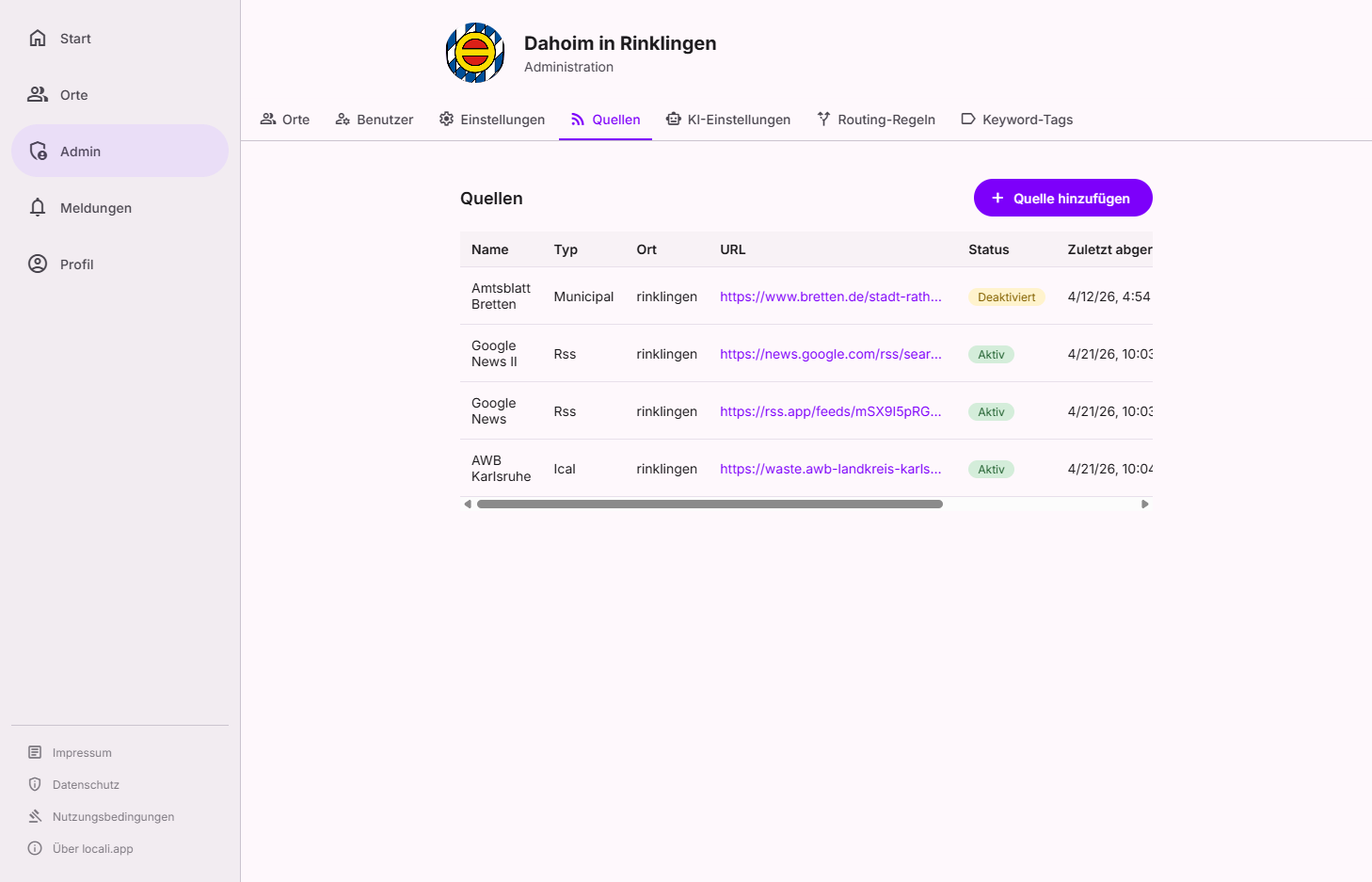
The card list shows all registered sources with name, type, area, feed URL, status, and last poll time. Use the ⋮ menu on a card to edit, enable or disable, and delete sources.
Roles: who can do this?
Instance moderators handle the editorial review: reviewing submitted sources and claims, approving metadata changes, live review, and bulk approvals. Operations stay reserved for admins: registering, editing, deleting, pausing/resuming, decommissioning, manual polling, plus embeddings, connection tests and feed discovery. Need an admin? Under Governance → Users (facet Admins) you can see who to contact.
Source types
| Type | Description |
|---|---|
| RSS / Atom | Classic news/blog feed |
| iCal / ICS | Calendar feed (events) |
| Official Gazette | Municipal announcements as PDF — processed through the document pipeline (Docling) |
| Native / Manual | Content created within locali itself (no external feed, no URL required) |
Adding a source — the wizard
Clicking "Add source" (bottom right) opens a three-step wizard with one clear primary action per step.
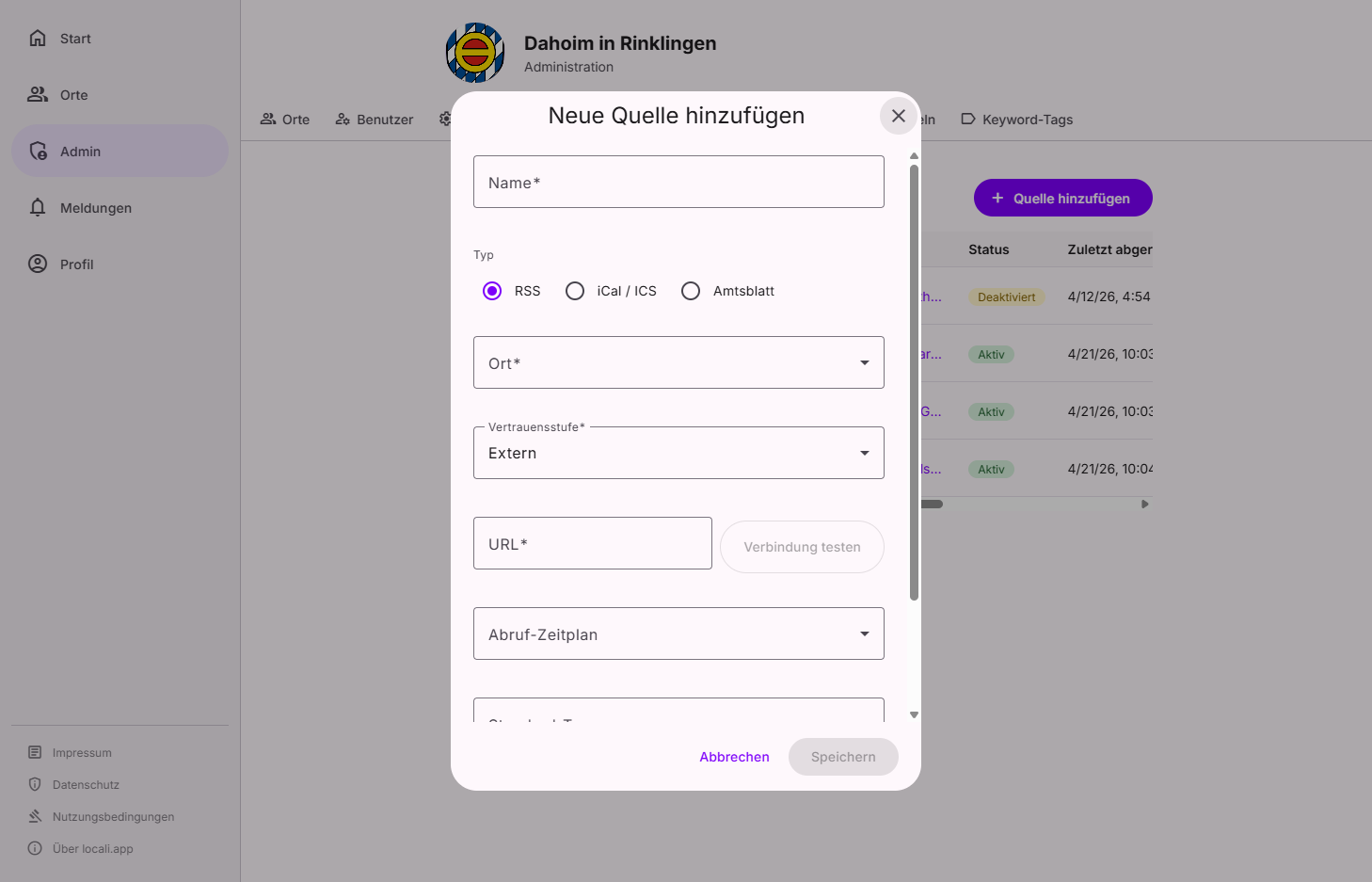
① Address
First choose the type (RSS feed or calendar), then how you specify the source:
- Discover from a website — you provide a normal website address and the Hub finds the channels
matching the selected type: for RSS the RSS/Atom news feeds, for calendar the linked
.icsandwebcal://events. Switch the type and the Hub searches again for the new type. Calendar discovery works even when the site only links an RSS feed and serves its calendar at a common address (e.g./calendar.ics). (Only unavailable for the Official Gazette — here you enter the address directly.) - Direct feed URL — you already know the feed or calendar address.
② Check
locali fetches the address and shows a preview: the feeds found or the first entries. This lets you see before saving whether the source delivers what you expect. If the source already exists, the wizard points this out (instead of creating a duplicate).
③ Details
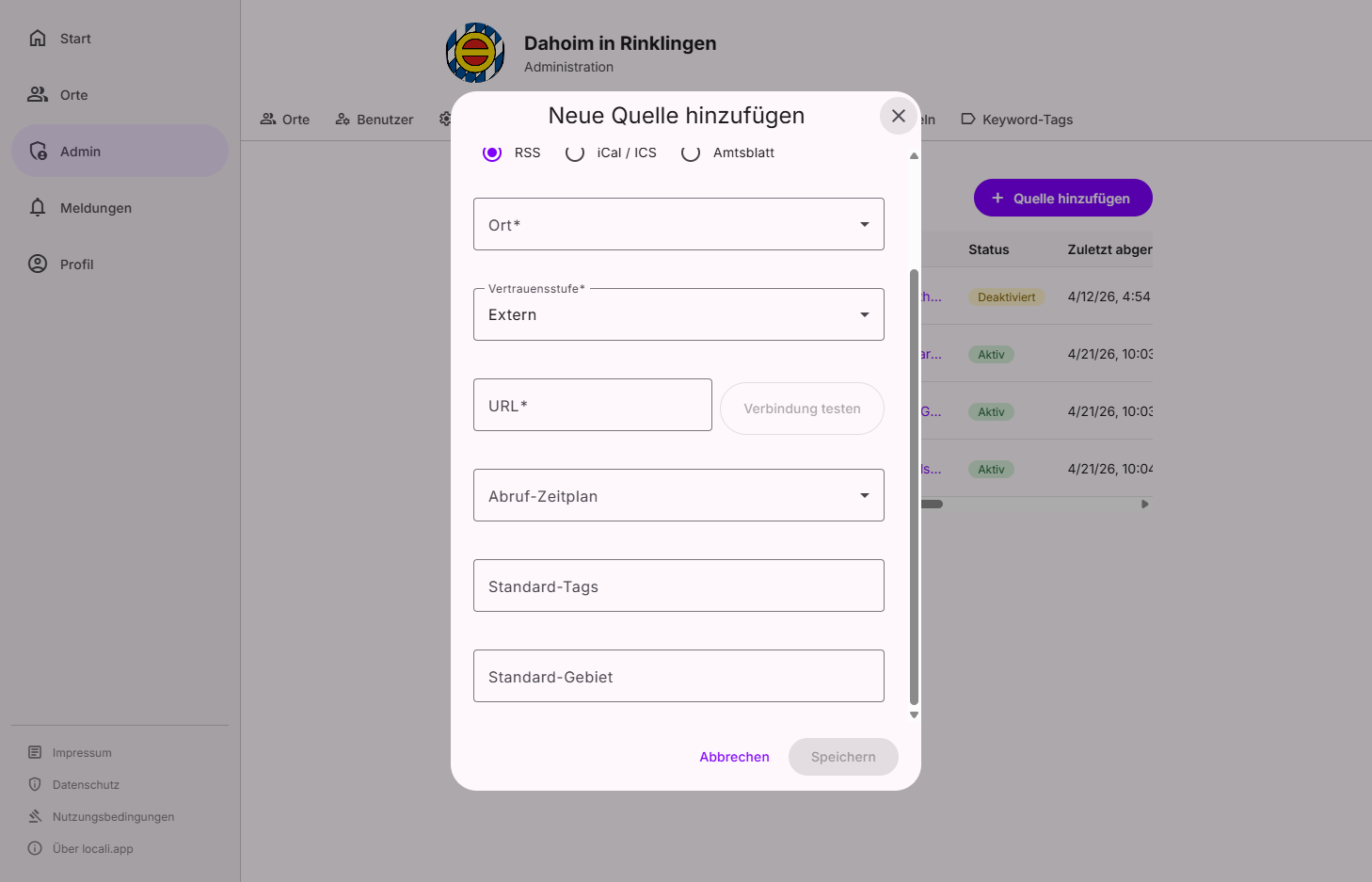
Fill in the remaining information:
| Field | Required | Description |
|---|---|---|
| Name | ✅ | Display name in administration |
| Publisher | – | Free-text name of the accountable body (e.g. an authority, association or business). Shown to citizens as the publisher of the content — never the technical feed name. For organisation-owned sources the organisation name is used automatically (not editable). |
| Trust level | ✅ | How reliable is this source's metadata? |
| Default tags | – | Tags automatically applied to all content from this source |
| Default areas | – | Area(s) for all content from this source (e.g. derdingen) |
| Polling schedule | – | Day of week and time for polling (default: Monday 06:00 UTC) |
Default tags and areas
These values are applied to every ingested item during ingestion. If the same item later arrives from a second source, tags and areas are merged — no duplicate is created. Areas and tags are routing signals at the same time: spaces with a matching area or tag receive the content directly, and routing rules can add further target spaces on top. Additional tags are assigned automatically by the keyword tags based on keywords in the text.
AI hints are non-binding
Some types (e.g. Official Gazette) only reach their full value with an active AI pipeline. The wizard points this out kindly, but does not block you — the source remains valid and is ingested even without AI.
Trust levels
| Level | Meaning |
|---|---|
Official |
Authority, municipality, or utility — highest reliability |
Partner |
Known partner organisation |
Community |
Community-maintained source, not officially verified |
External |
Unknown external source |
Publisher, machine data and title rules
Three settings in a source's edit dialog. They concern feeds an organisation subscribes to, or feeds that deliver records rather than writing.
Publisher
The entity accountable for the feed's content. Filling this in on a source owned by an organisation says: this organisation only passes the feed on. Its entries are then attributed to that name — and the organisation's marks go with it: no verified checkmark, no logo, no link to its profile, no responsibility line. The "via {domain}" line stays, because that is exactly where naming the origin matters most.
Left empty, the owning organisation is the publisher — the normal case for a feed it publishes itself.
Example: a town hall subscribes to the district's waste calendar. Without an entry, every collection date would arrive under "Town hall ✓" although the town hall neither writes nor answers for it.
This feed carries machine data
For collection calendars, timetables and similar exports. Their entries keep everything else — routing, calendar export, search — but appear as a compact row instead of an article card, and stay out of the home page teaser. Tick it when a feed's entries are records rather than writing: someone scanning the town calendar should meet the concert first, not four collection dates.
Clean up titles
Machine exports name their entries in their own codes — "Restabfall (privat) 2-Rad 02-woechentl." Nobody on this side writes those titles, so this is the only place to correct them. One rule per line:
# A fragment on its own is removed
(privat)
2-Rad
# fragment=>replacement rewrites it
Restabfall=>Residual waste
Rules are literal and case-insensitive, run in the order written, and apply to every entry fetched
from now on — including re-polled ones, so a rule written today also tidies what arrived yesterday.
A rule that would leave nothing behind keeps the raw title. Lines starting with # are ignored.
Changed source metadata
An organisation source's default metadata — its default areas and topic tags — is fixed when
the source is approved. If the organisation changes that metadata after approval, the source stays
active and approved, but the hub raises it as a separate governance entry, "Changed source metadata",
for review (Governance → Sources → Changed source metadata).
The review shows a before/after comparison of the areas and tags. Two actions are available:
- Accept — the changed metadata becomes the new approved baseline.
- Revert — the metadata is restored to the approved state.
Non-blocking
A metadata change never stops the source and never forces a re-approval — it only makes the change visible. Only organisation sources can raise this entry; metadata you edit as an operator never does.
Multi-select / bulk actions
In the review queues under Governance → Sources you can act on several entries at once instead of working through them one by one. Two facets are covered:
- To review — technically-verified sources that are not yet approved. Select several sources and approve or reject them together.
- Claims — open source claims. Here too you can accept or reject several claims together.
As soon as you select at least one entry, an action bar with the matching bulk actions appears (up to 200 entries per action). For a bulk rejection you give one reason (and an optional note) that applies to the whole selection.
Entries that no longer fit are skipped
Entries that are no longer in the right state (for example already decided by someone else) are skipped and counted — the rest are still processed. When finished, a summary shows how many were processed and how many were skipped.
Enabling / disabling
The ⋮ menu on a source card enables or disables the source. Disabled sources are completely skipped by the ingestion job.
Existing content is preserved
Disabling does not delete already imported content.
Deleting
The trash icon permanently removes a source. Already imported content is preserved.